Progress, in sight.
Thinking, calling a tool, or waiting for you? A quick glance tells you, without hunting through windows.
 Vibelsland Free
A small macOS companion for AI coding
See what Claude and Codex are doing at a glance. Session progress, tool activity, and approvals, in one small island on your Mac.
Allow access to this project file?
Read · src/app.tsChoose a state above to see the island respond.
Sample states · no live sessionsWorks with the tools you already use
 Claude CodeLocal Hook events
 Codex DesktopLive desktop connection
01 / LESS FRICTION
From the first tool call to your next decision.
The right information, where you need it.
Thinking, calling a tool, or waiting for you? A quick glance tells you, without hunting through windows.
Review the context, then allow or deny an approval request. Get back to what you were doing.
Drag to either screen edge to keep a compact edge indicator. Orange for Claude. Blue-violet for Codex.
02 / A CLOSER LOOK
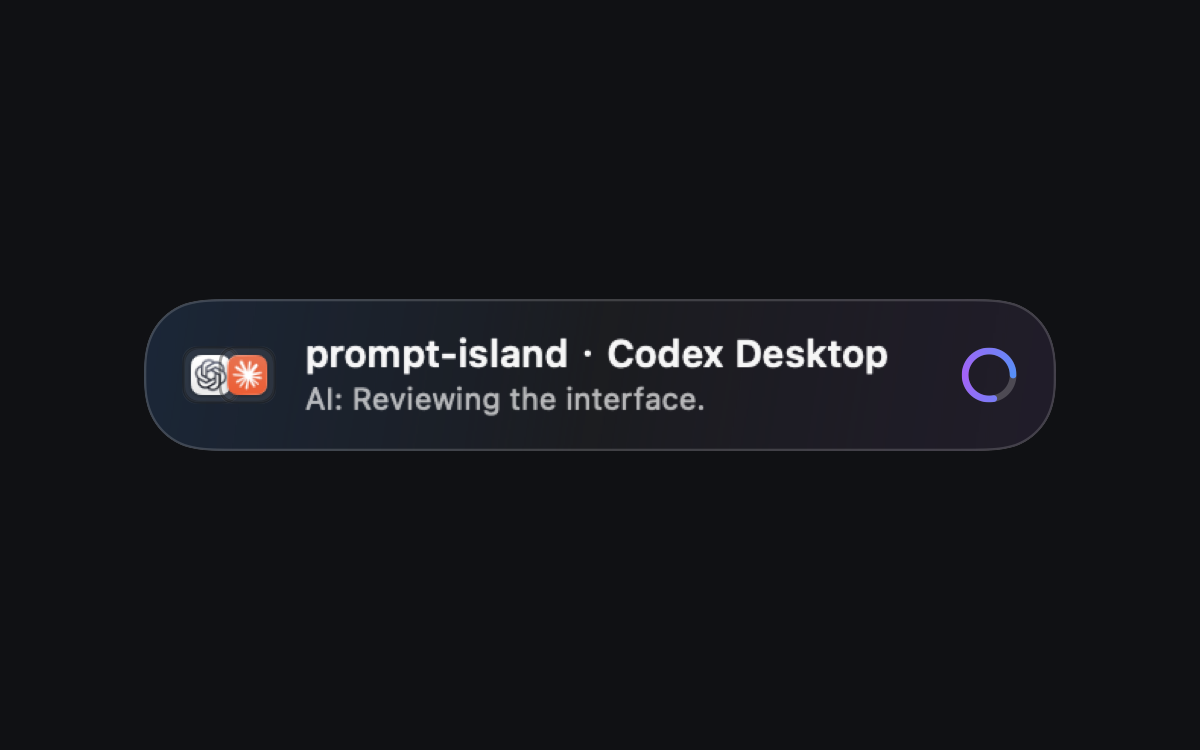
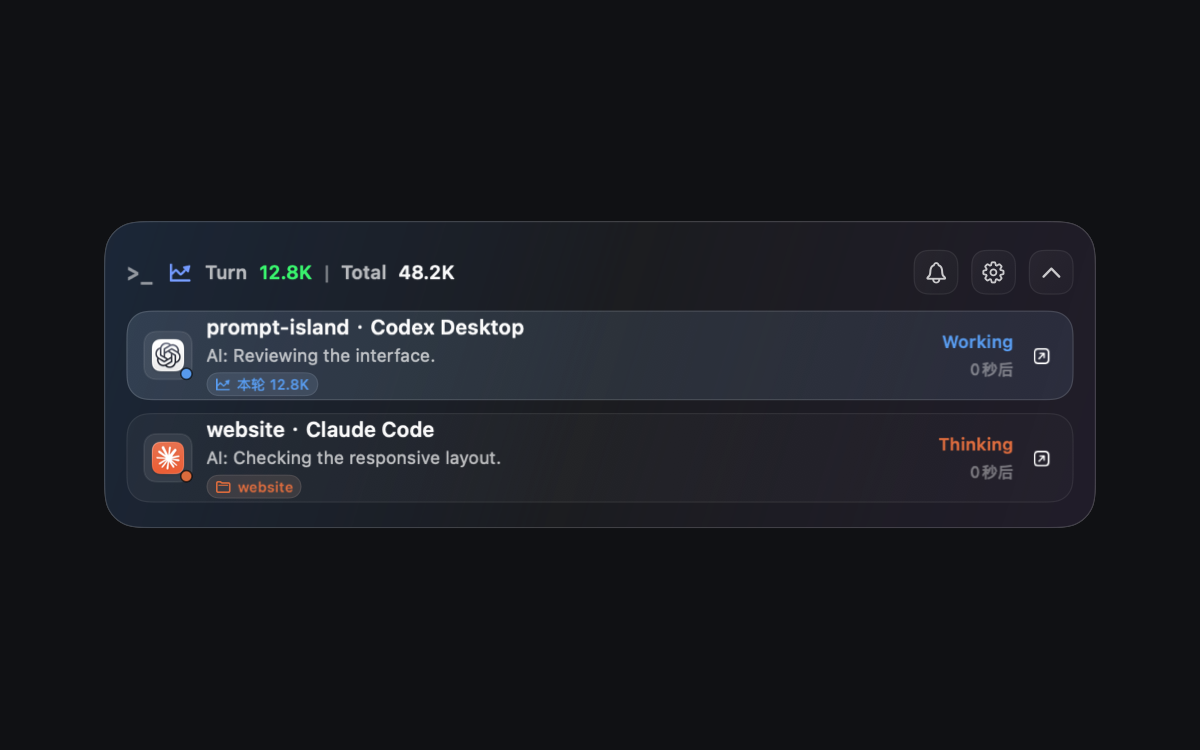
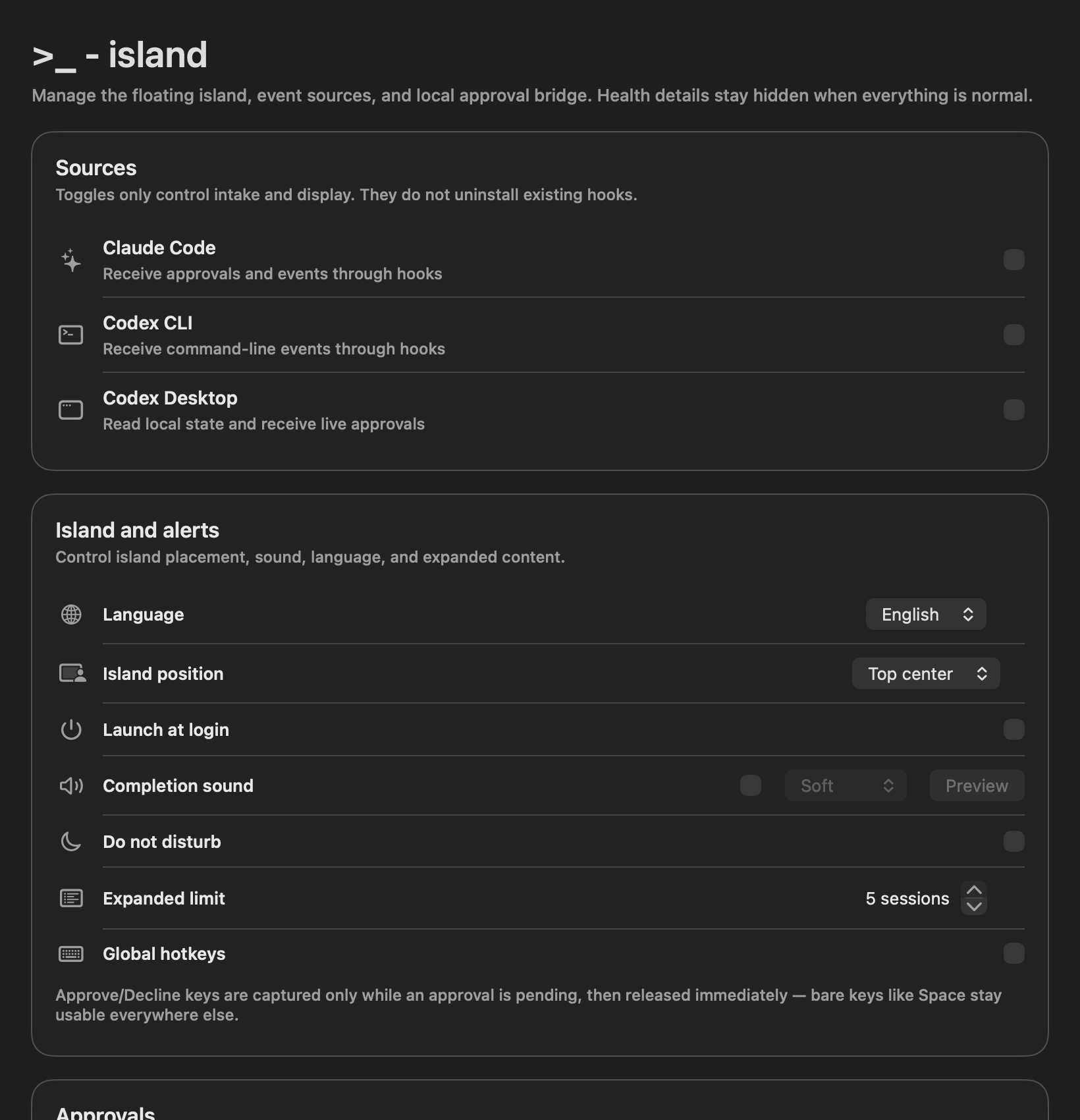
Current interface · Sample sessions
03 / LOCAL BY DESIGN
Session state and usage are processed locally. No account. No telemetry. Open source, so you can inspect how it works.
Read the privacy details